Your robots.txt Changed Last Tuesday. You Just Don't Know It Yet
Plugin updates, hosting migrations, and WAF rules silently block AI crawlers all the time. I built a monitor that re-scans your site every week and emails you the moment ChatGPT, Perplexity, Claude, or Gemini loses access.
Kit Mobley
Islamorada, FL
A few months ago I wrote about the five tests that decide whether ChatGPT can read your website. The punchline of that post was that most sites fail at least one of them, and the fix is usually an hour of work.
What I didn’t say in that post is what happens after you fix it.
You fix it, you verify it, you move on. And then, somewhere between three weeks and six months later, it unfixes itself. Quietly. Nobody emails you about it.
How sites break themselves
I’ve now watched this happen enough times to name the patterns.
A managed WordPress host ships a “security enhancement” that adds a Disallow for a list of AI bots. A CDN turns on a bot-fight mode that doesn’t distinguish GPTBot from a scraper farm. A well-meaning developer copies a robots.txt from an old project during a redesign. An SEO plugin update rewrites the file to match its new defaults.
None of these show up in uptime monitoring. The site loads fine. Google still indexes it. The owner checks it in a browser and everything looks right. Meanwhile ChatGPT has been telling people the business doesn’t exist for two months, and the only symptom is a slow leak in a traffic channel most analytics setups don’t even break out.
This is not hypothetical. Cloudflare made blocking AI crawlers the default for new sites in 2025. If you launched or moved a site after that, there is a real chance you opted into invisibility without reading the checkbox.
So I built the thing that watches
The free AI visibility audit on this site has run thousands of scans at this point. It’s a snapshot: thirty seconds, one URL, here’s what’s broken. People run it, fix their stuff, and disappear. Which is fine — that’s what it’s for.
But the snapshot model has a hole in it, and the hole is everything I just described. So I turned the audit engine into a monitor.
It’s called the AI Visibility Monitor, and the deal is simple. You add your site. It scans immediately so you get a baseline. Then every Monday morning it scans again: robots.txt rules for GPTBot, OAI-SearchBot, ChatGPT-User, PerplexityBot, ClaudeBot, and Google-Extended, plus the twelve answer-engine-readiness signals from the audit — FAQ schema, question-shaped headings, entity grounding, passage structure, all of it.
You do not get a weekly email. Weekly “everything is fine” emails are noise, and noise gets filtered to a folder nobody opens. You get an email when one of two things happens: a crawler’s access flips — allowed to blocked, or blocked back to allowed — or your overall score moves five points or more. Silence means all clear.
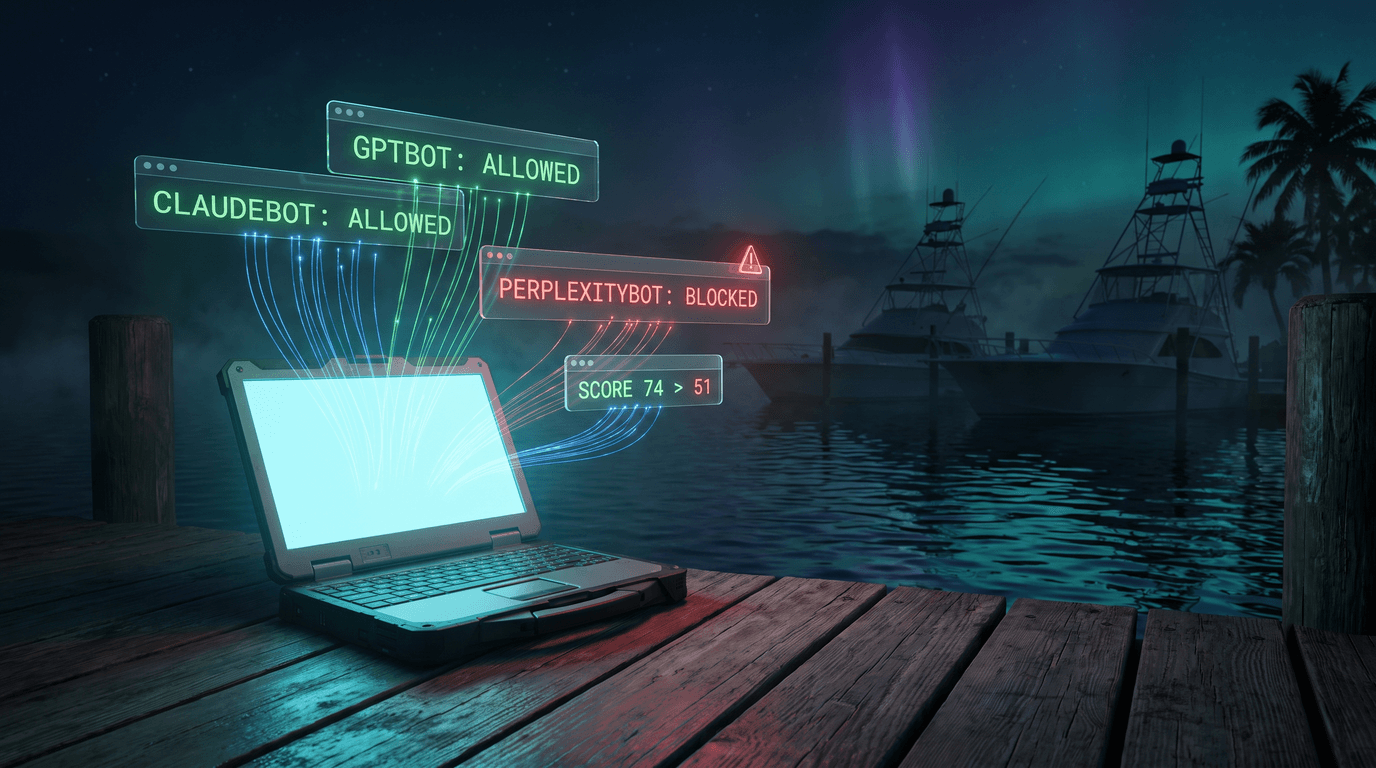
When it does email you, it tells you exactly what changed. “PerplexityBot can no longer crawl this site (robots.txt change). Score: 74 → 51.” That’s the whole alert. No digest, no upsell copy, no “your weekly report is ready.”
The parts I’m happy with
The scan engine is the same one the free audit uses, extracted into a shared library so the free tool, the monitor, and the on-demand rescan button all run identical logic. Fix a scoring bug once and it’s fixed everywhere.
Login is a magic link. No passwords. You subscribed with an email; that email gets a fifteen-minute, single-use sign-in link. The session is a signed cookie. There is no credential database to leak because there are no credentials.
Alerts consolidate. The Agency tier watches ten sites, and if three of them break in the same week — say a shared host pushes a bad robots.txt to the whole fleet, which is exactly when you need this — you get one email covering all three, not three separate pings.
The dashboard keeps score history, so when a client asks “is this AI thing actually doing anything,” you can show the line going up after the fixes shipped. Agencies will sell retainers off that chart alone.
How AI crawler monitoring works
AI crawler monitoring is two checks that run together. The first re-reads your robots.txt on a schedule and diffs it against the last known copy, so a plugin update, a WAF rule or a CDN bot-fight setting that quietly adds a Disallow for GPTBot, ClaudeBot or PerplexityBot shows up as a change with a timestamp instead of a mystery three months later. The second checks the pages those crawlers actually need, the homepage, the sitemap and the answers pages, and confirms they still return the same content to an AI user agent as they do to a browser. When either check changes state, you get one email that says what changed and when.
What it costs
Solo is $19 a month, one site. Agency is $49 a month, ten sites. Monthly, cancel anytime, no annual lock-in.
For context, the enterprise AEO monitoring tools start around $100 a month and go hard from there. This is deliberately not that. It’s the smoke detector version: cheap, quiet, and exactly loud enough the one time it matters.
If you haven’t run the free audit yet, start there — it’s the same engine, free, no signup. If the results made you fix something, the monitor is how you know it stays fixed. If everything came back clean, the monitor is how you know it stays clean.
Either way: your robots.txt is going to change someday without asking you. Now you’ll know the same morning it happens.
Frequently asked questions
- What is AI crawler monitoring?
- AI crawler monitoring tracks when bots like GPTBot, ClaudeBot, and PerplexityBot visit your site, what they request, and whether your robots.txt is actually blocking or allowing them the way you intend.
- What does robots.txt monitoring check?
- Robots.txt monitoring watches your robots.txt file for changes and confirms specific AI crawlers are still allowed or blocked as configured, alerting you if a deploy or CDN change silently altered the rules.
- How is ChatGPT crawler detection different from monitoring Googlebot?
- ChatGPT's crawler and other AI crawlers aren't tracked by standard analytics tools built for Googlebot; dedicated AI crawler monitoring logs their specific user agents and request patterns separately.
- What is an AI crawler monitoring service?
- An AI crawler monitoring service tracks which AI bots (GPTBot, ClaudeBot, PerplexityBot, Google-Extended and similar) visit a website and what they request. Kit Mobley runs one for Florida Keys businesses that logs every AI crawler hit against the site's robots.txt rules.
- Is there a robots.txt monitoring tool for small business websites?
- Yes. Kit Mobley's search monitor checks a site's robots.txt on a schedule and flags when an AI crawler is blocked, allowed, or when the file itself changes unexpectedly.
- Can I get ChatGPT crawler detection for my website?
- Yes. Kit Mobley's monitoring tool detects ChatGPT's crawler, and other AI bots, hitting the site and reports it, so a business knows whether ChatGPT can read their pages
SHARE THIS POST